Cloudora Kitchen
Sign in Start free trial

How it works

Taking orders by this evening

Four steps, no hardware to buy, no engineer to call. Most restaurants take their first real order on the same day they sign up.
Start 14-day free trial Send us your menu on WhatsApp
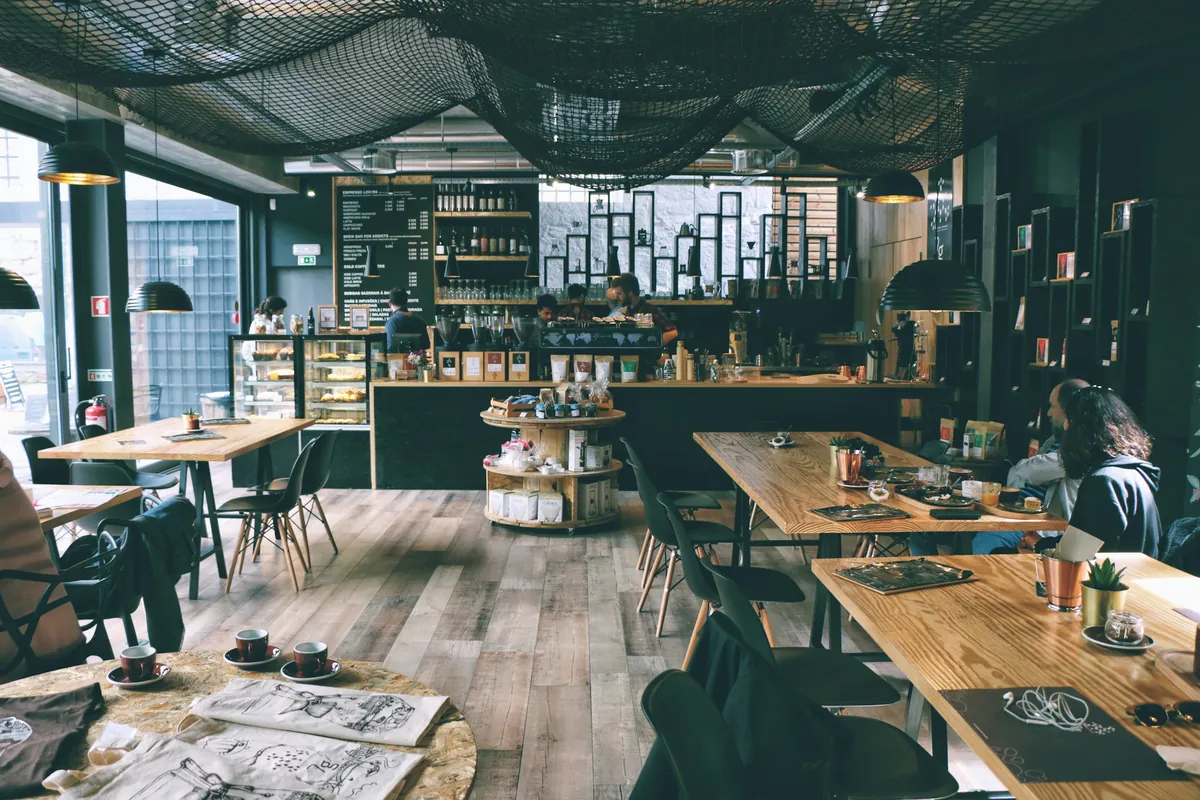
A café interior with wooden tables, hanging lights and a counterRuns on the phones and tablets you already own
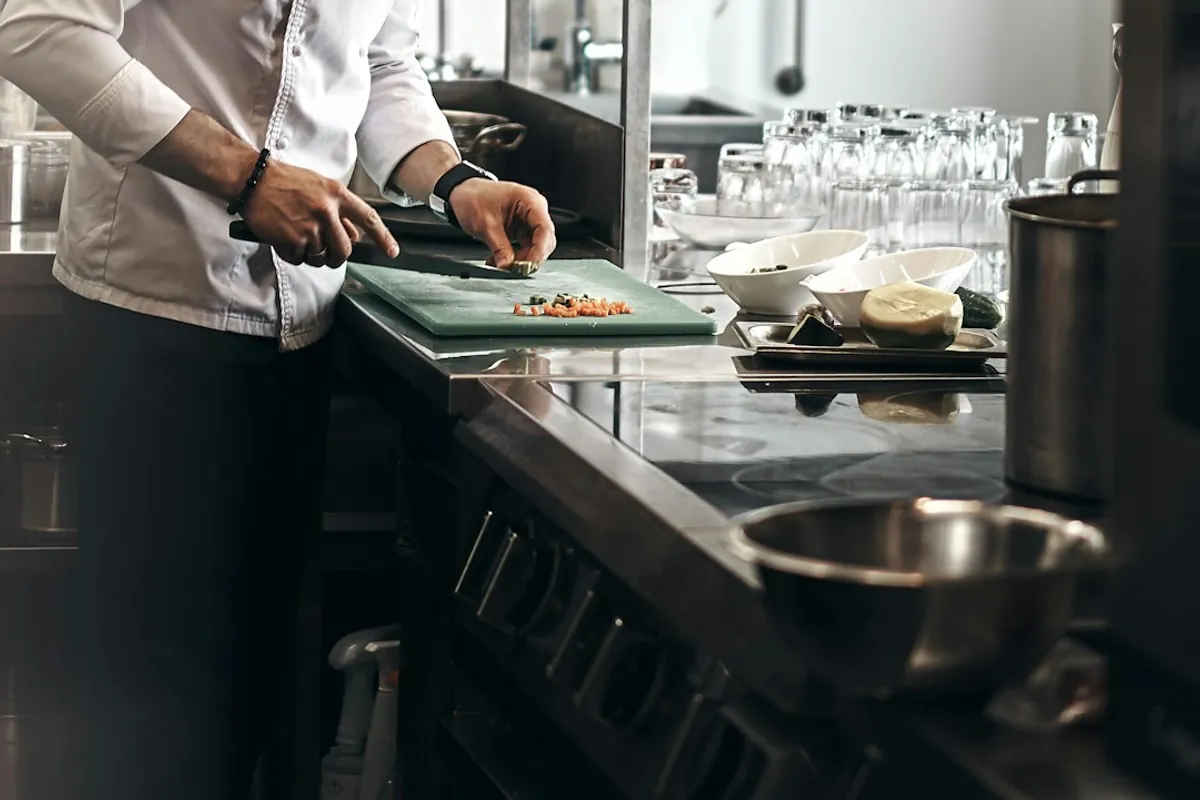
A chef chopping vegetables at a restaurant kitchen counterKitchen gets the ticket
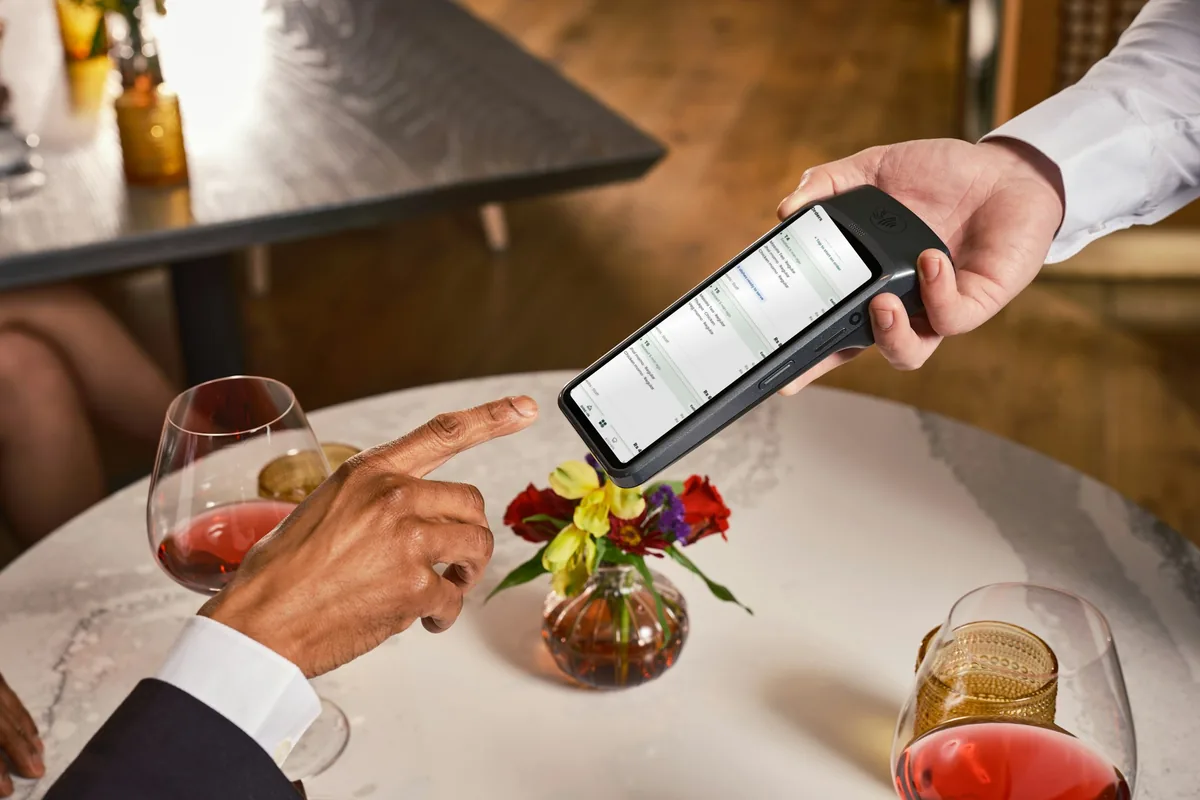
A waiter holding a handheld showing Cloudora Kitchen’s live table orders at a restaurantWaiter closes the bill
1

Create your restaurant

Sign up with your phone or email. Your restaurant comes with a branch, a floor, ten tables and the payment methods Nepali restaurants use.

  • Two minutes, no card
  • Bikram Sambat dates
  • Free plan forever
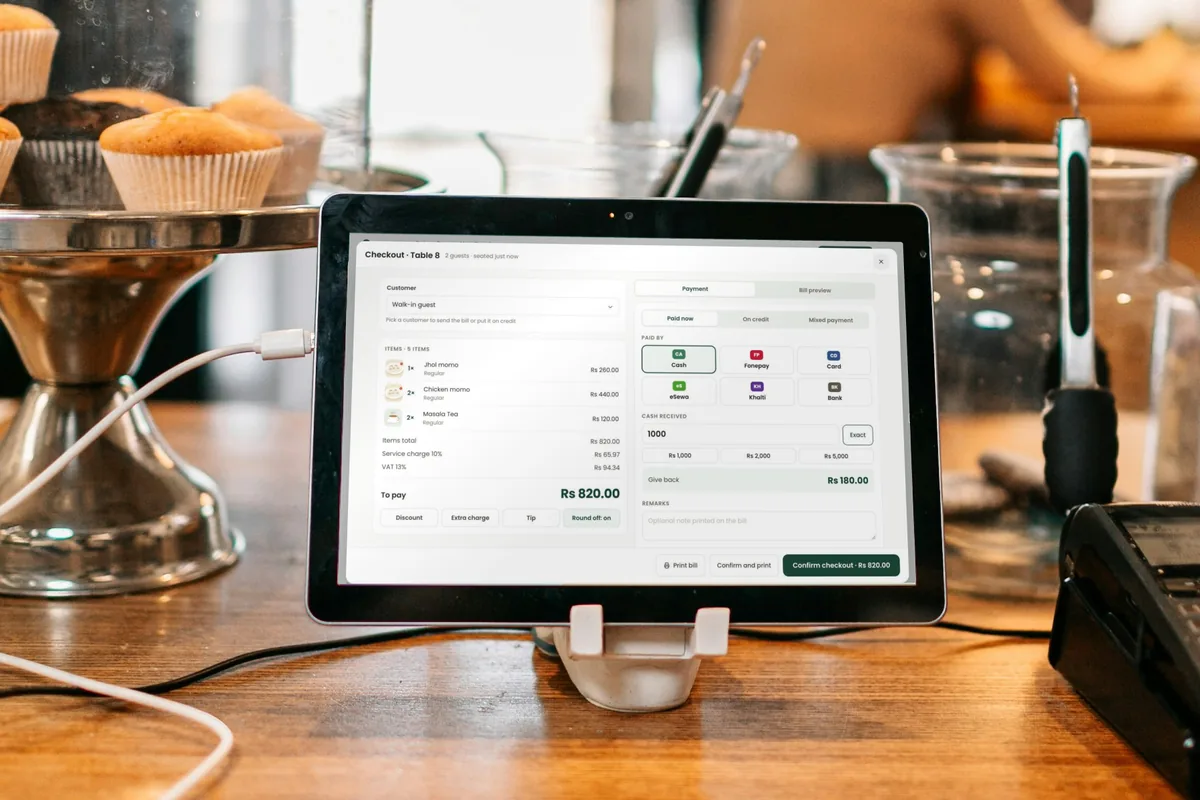
Cloudora Kitchen’s checkout screen on a tablet at a café counterSign up from the counter, on any phone✓ Account ready in 2 min
Ground floor · live7 of 10 busy · 2:14 pm
FreeSeatedBill askedWaiting too longReserved
Ground floorRooftopGardenCabins
2

Add your menu and tables

Type dishes and prices, or send us your menu on WhatsApp and we load it. Name your tables the way your staff call them. Print the QR codes.

  • Excel import or WhatsApp
  • Photos from your phone
  • QR codes with your logo
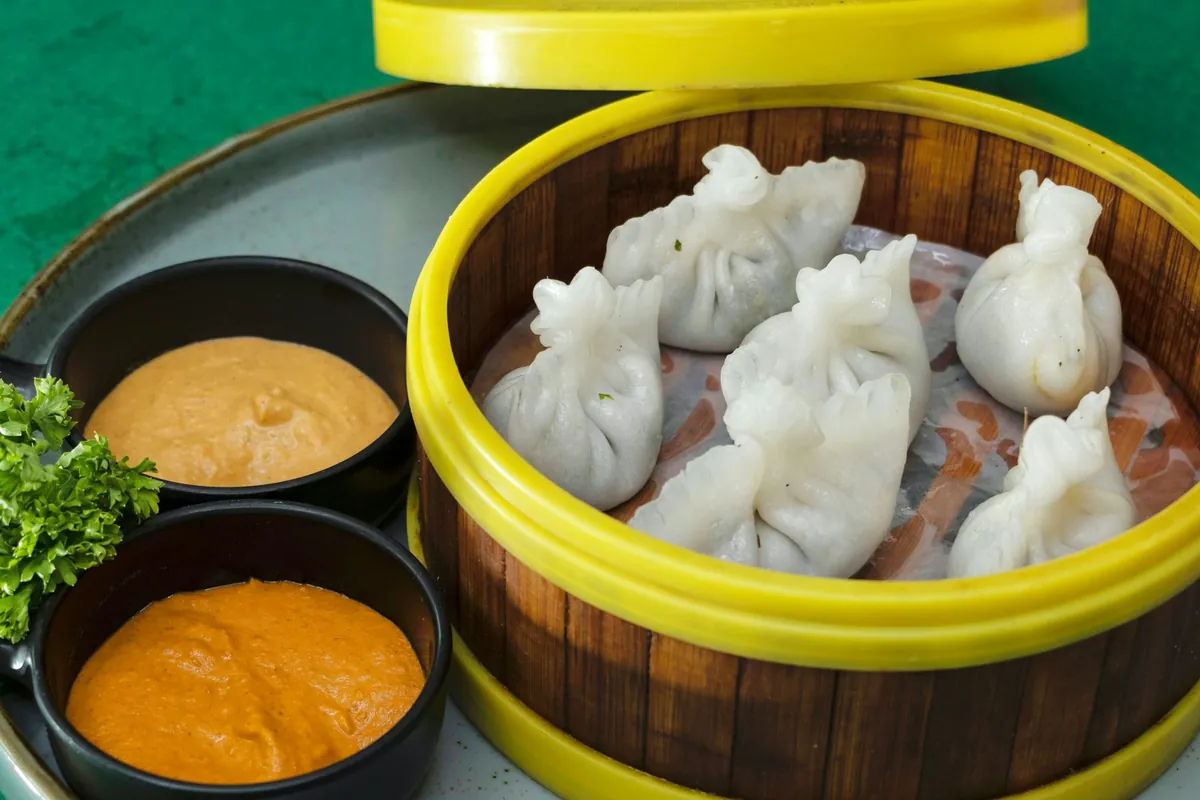
Steamed momo in a bamboo steamer with two chutneysYour dishes, with photos✓ 100 dishes loaded
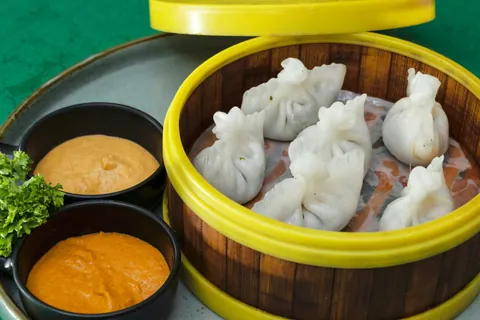
Steamed momo
Chicken momo
Momo · Kitchen section · Non-veg
Half (5 pc)Rs 140
Full (10 pc)Rs 220
Jhol (10 pc)Rs 260
+ Extra chutney Rs 20+ Cheese Rs 60SpicyChef’s pick
Recipe: chicken 60 g · flour 40 g · onion 15 g · spices · cost Rs 96 · margin 56%
3

Invite your staff

Enter names and emails and hand each person their password — or let them scan the join QR. Each person sees only what their role allows.

  • Roles ready to use
  • Sign in with email or Google
  • Who did what, always on record
A waiter holding a handheld showing Cloudora Kitchen’s live table orders at a restaurantEach person gets their own login✓ Sunita joined as Waiter
Invite staffBy email
NameSunita Tamang
RoleWaiter
BranchSuryabinayak
Password: hand it to Sunita, or she scans the join QR at the counter.
Send invite
4

Take your first order

Open a table, tap dishes, send. The ticket prints in the kitchen. Close the bill with VAT done and take payment any way the guest wants.

  • Ticket in the kitchen in a second
  • VAT and service charge automatic
  • Cash, card, Fonepay, eSewa, Khalti, khata
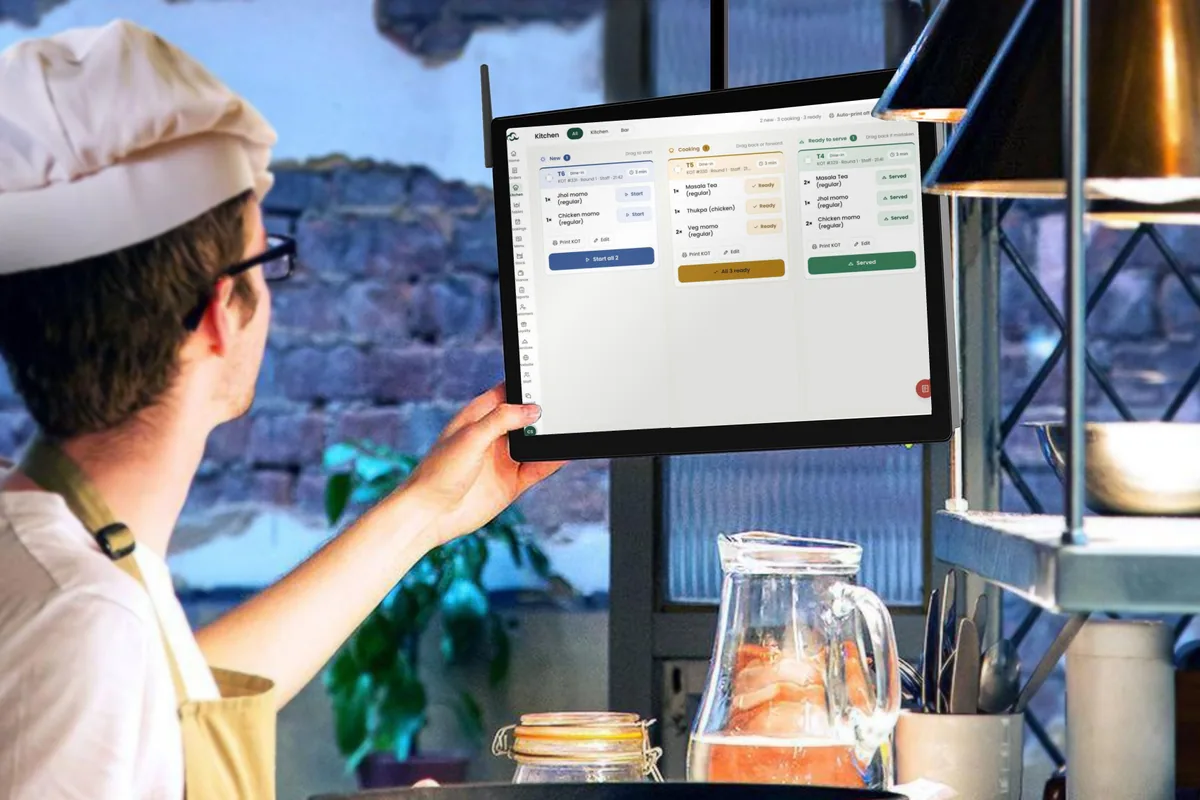
A chef checking the Cloudora Kitchen kitchen screen during serviceFirst ticket in the kitchen in a second✓ KOT 142 printed
Orders · LiveTue 7:42 pm
T4Table 4 · 3 guests2 Chicken momo · 1 Masala tea · 1 CokeCooking
T9Table 9 · 2 guests1 Thakali set · 1 LassiServed
DDelivery · Ram (Pathao)2 Veg chowmein · 1 Momo platterPacking
PPickup 8:00 · Sita1 Pizza · 2 Garlic breadReady

What changes on day one

Paper slips to the kitchenTickets print the moment you order
Adding VAT on a calculatorBills total themselves
A notebook of who owes youCustomer credit in one list
Counting stock every nightStock drops as you sell
Guessing what sellsSales by dish, hour and day
Calling to check the tillToday’s sales on your phone

Questions owners ask

Two minutes to create the restaurant. Loading a 100-dish menu takes about half an hour, or send it on WhatsApp and we do it.

Your first evening

Sign up at five. Close the day at eleven.

This is what the first day looks like for most restaurants. Send your menu on WhatsApp and we do step two for you.

5:00 PM
Account created
Email, sign-in code, restaurant name. Done.
5:20 PM
Menu and tables in
You typed it, or we loaded it from your WhatsApp.
5:40 PM
Staff invited
Three waiters, one cook, one cashier — each with their own login.
6:30 PM
First order sent
Table 4. Ticket printed in the kitchen.
11:00 PM
Day closed
Cash counted against the app. Matched.
Cloudora Kitchen

How it works

Taking orders by this evening

Four steps, no hardware to buy, no engineer to call.

Start 14-day free trial Send your menu on WhatsApp
Cloudora Kitchen’s checkout screen on a tablet at a café counter
1

Create your restaurant

Ground floor · live7 of 10 busy · 2:14 pm
FreeSeatedBill askedWaiting too longReserved
Ground floorRooftopGardenCabins

Sign up with your phone or email. Your restaurant comes with a branch, a floor, ten tables and the payment methods Nepali restaurants use.

  • Two minutes, no card
  • Bikram Sambat dates
  • Free plan forever
Steamed momo in a bamboo steamer with two chutneys
2

Add your menu and tables

Steamed momo
Chicken momo
Momo · Kitchen section · Non-veg
Half (5 pc)Rs 140
Full (10 pc)Rs 220
Jhol (10 pc)Rs 260
+ Extra chutney Rs 20+ Cheese Rs 60SpicyChef’s pick
Recipe: chicken 60 g · flour 40 g · onion 15 g · spices · cost Rs 96 · margin 56%

Type dishes and prices, or send us your menu on WhatsApp and we load it. Name your tables the way your staff call them. Print the QR codes.

  • Excel import or WhatsApp
  • Photos from your phone
  • QR codes with your logo
A waiter holding a handheld showing Cloudora Kitchen’s live table orders at a restaurant
3

Invite your staff

Invite staffBy email
NameSunita Tamang
RoleWaiter
BranchSuryabinayak
Password: hand it to Sunita, or she scans the join QR at the counter.
Send invite

Enter names and emails and hand each person their password — or let them scan the join QR. Each person sees only what their role allows.

  • Roles ready to use
  • Sign in with email or Google
  • Who did what, always on record
A chef checking the Cloudora Kitchen kitchen screen during service
4

Take your first order

Orders · LiveTue 7:42 pm
T4Table 4 · 3 guests2 Chicken momo · 1 Masala tea · 1 CokeCooking
T9Table 9 · 2 guests1 Thakali set · 1 LassiServed
DDelivery · Ram (Pathao)2 Veg chowmein · 1 Momo platterPacking
PPickup 8:00 · Sita1 Pizza · 2 Garlic breadReady

Open a table, tap dishes, send. The ticket prints in the kitchen. Close the bill with VAT done and take payment any way the guest wants.

  • Ticket in the kitchen in a second
  • VAT and service charge automatic
  • Cash, card, Fonepay, eSewa, Khalti, khata

What changes on day one

Paper slips to the kitchenTickets print the moment you order
Adding VAT on a calculatorBills total themselves
A notebook of who owes youCustomer credit in one list
Counting stock every nightStock drops as you sell
Guessing what sellsSales by dish, hour and day
Calling to check the tillToday’s sales on your phone

Questions owners ask

Two minutes to create the restaurant. Loading a 100-dish menu takes about half an hour, or send it on WhatsApp and we do it.

Your first evening

Sign up at five. Close the day at eleven.

5:00 PM · Account created
Email, code, restaurant name.
5:20 PM · Menu and tables in
Typed, or loaded from your WhatsApp.
5:40 PM · Staff invited
Each with their own login.
6:30 PM · First order sent
Ticket printed in the kitchen.
11:00 PM · Day closed
Cash counted. Matched.
Create your restaurantSend menu on WhatsApp